1 Month
£20
A shorter commitment and the smallest total payment. Consider this if you want to check setup and suitability before choosing a longer plan.
£20 total · £20 per month
Ask about 1 monthCompare IPTV subscription prices, choose a term and check how the service fits your device before you order. This page puts the practical details in one place: the total plan price, setup questions, app compatibility, stated features and the terms worth reading first.
A subscription is only one part of an IPTV setup. Your player app, television or streaming device, internet connection and the provider’s rights to supply programmes are separate things to check.
Five listed plan terms · GBP prices · Check current service details before paying
Each price below is the total shown for the full subscription period. The monthly figure is included to help compare terms; it is not a monthly billing amount. Confirm the payment timing, expiry and renewal arrangements before you buy IPTV in the UK.
£20
A shorter commitment and the smallest total payment. Consider this if you want to check setup and suitability before choosing a longer plan.
£20 total · £20 per month
Ask about 1 month£30
Three months of access for £30 total. The effective cost is £10 per month when the total is divided across the term.
£30 total · £10 per month equivalent
Ask about 3 months£40
A half-year term at £40 total, about £6.67 per month. Check the device and service details before committing to the longer access period.
£40 total · £6.67 per month equivalent
Ask about 6 months£55
A full year for £55 total, approximately £4.58 per month. The lower monthly equivalent comes with a longer upfront commitment.
£55 total · £4.58 per month equivalent
Ask about 12 months£150
The lowest monthly equivalent in the listed plans, approximately £4.17, and the largest total payment. Consider the full three-year commitment carefully.
£150 total · £4.17 per month equivalent
Ask about 3 yearsA separate British IPTV page describes a £19.99 offer and a free 24-hour trial. The qualifying term and availability are not defined by the standard plans above. Check that offer separately.
Ask us to confirm what applies to your chosen subscription period.
IPTV stands for Internet Protocol Television: television or video delivered over an internet connection. An IPTV subscription is the provider’s access plan. It is not the same as the app used to play a stream, the device it plays on, or permission to distribute a particular programme.
This is the plan and access period you purchase from a provider. Check what the price covers, when access starts, when it expires and whether any renewal occurs.
A player such as IPTV Smarters Pro or TiviMate organises compatible stream details. An app may be free or paid, and installing it does not supply a subscription or content rights.
A supported television or streaming device and a stable internet connection are needed. Actual playback depends on the source, network, app, device and stream quality.
The service information supplied for this website lists one-time payment, instant delivery after order confirmation, a free VPN feature, 4K/Ultra HD options, an Anti-Freeze system, an EPG, live TV and VOD, seven-day catch-up where available, M3U and Xtream Codes support, and dedicated support stated as available 24/7.
It also states a 30-day refund offer and family-friendly positioning. Review the written refund conditions, ask how support is reached, and confirm what the content description means for the programmes you plan to watch. The page does not publish a channel list or independent quality measurement.
“4K” depends on whether the particular source is supplied in that resolution and whether the app, device, display and network can play it. An Anti-Freeze feature is intended to reduce interruptions, not promise that buffering cannot happen.
A VPN feature is stated to be included with the service. Before relying on it, ask which application, devices and traffic it covers, whether you must switch it on, and how support handles connection issues.
A VPN can encrypt traffic between your device and the VPN endpoint. Your internet provider may still observe that a VPN connection is active and may see timing and traffic-volume metadata. A VPN does not make a user anonymous, verify a provider’s content rights or guarantee that a stream is available.
Compatibility changes with the app version, device model, operating system, app-store region and the stream format. Confirm the exact setup before subscribing rather than relying on a generic “all devices” label.
IPTV Smarters Pro, TiviMate, IBO Player Pro, Smart IPTV, Flix IPTV, IPTVX, OTT Navigator, Televizo IPTV Player, XCIPTV Player and Sparkle TV are separate player options. Availability, login methods, features and possible activation costs differ. Confirm the recommended app and supported format with the provider.
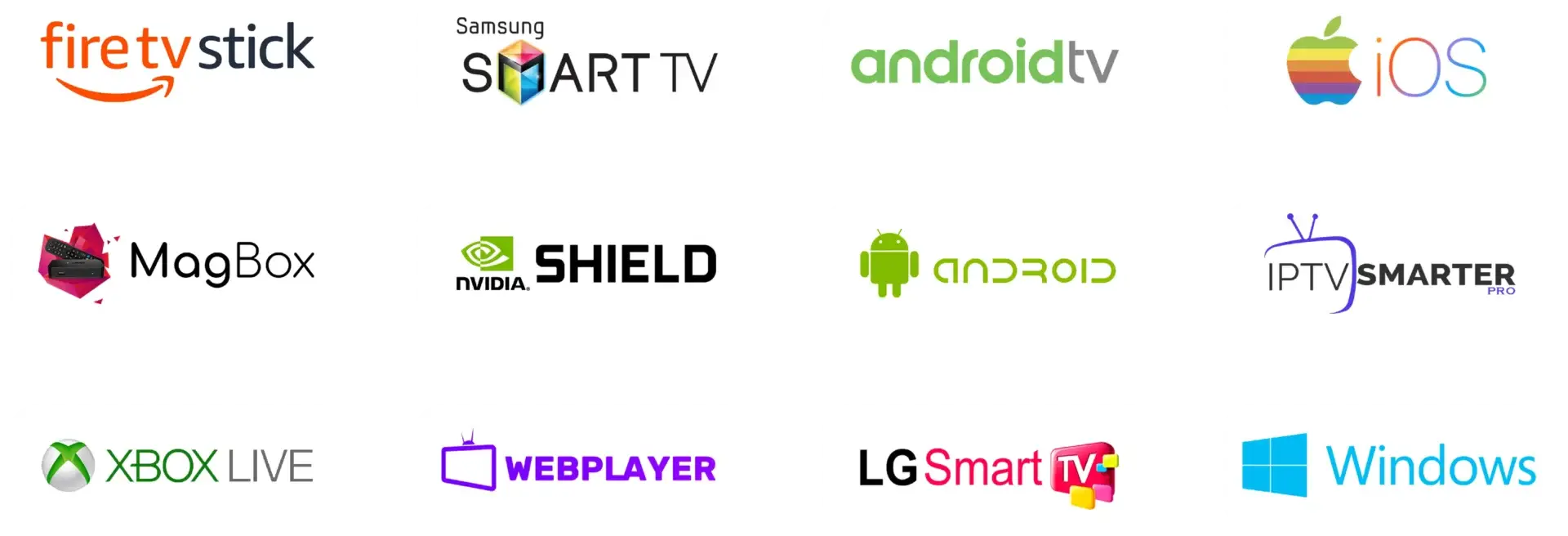
Ask about your exact Amazon Fire TV Stick, Fire TV, Samsung or LG Smart TV, Android TV, Google TV, Apple TV, Roku, MAG Box, Android box, Chromecast, Xiaomi TV Box, Nvidia Shield, Sony, Philips, Hisense or Panasonic model. Support for one model or operating system does not prove support for every version.
Keep your account details private. Only enter a playlist URL, activation code or login details into a player you intentionally installed and trust. Do not send passwords or payment-card information through a support chat.
For step-by-step platform considerations, visit the main site’s IPTV app guide and device guide.
Take a few minutes to get the service details in writing. These checks help you compare providers on information that affects your actual viewing and payment.
Ask for a current description of the catalogue and whether the provider is authorised to make the content available in your country. Availability may vary by programme, source and location.
Give the exact device model and operating system. Ask which app to use, what login format is supplied and whether the app requires a separate payment or activation.
Check the total price, selected term, start and expiry dates, renewal behaviour, refund rules, support contact and any device or simultaneous-stream limits.
The ordering route is straightforward. The important part is confirming the offer and setup before sending payment.
Review the total GBP price and choose the period that matches how long you are comfortable paying for. Longer terms lower the arithmetic monthly equivalent but involve more money upfront.
Use a WhatsApp plan button or the Contact Us page to confirm the current content description, rights, exact device/app support and written terms.
Read the Terms and Conditions and Refund Policy. Proceed only when you understand what is supplied and how access and support work.
Choosing a short term? See the dedicated monthly IPTV subscription page for the £20 one-month option.
The plans listed here are £20 for one month, £30 for three months, £40 for six months, £55 for 12 months and £150 for three years. Check this page and confirm the current price before purchase. The monthly equivalents are calculations from each total; they are not monthly instalments.
In general, a subscription is a provider’s access plan. The supplied service details list live TV and VOD, EPG, catch-up where available and access details for compatible player apps. Confirm the current catalogue, territorial availability and authorisation directly before ordering.
Usually, an IPTV subscription and player app are separate parts of the setup. An app may organise a compatible playlist or login, but it does not itself include programmes or grant the right to distribute them. Ask which app and format work with your exact device.
Some player apps support selected Fire TV devices, but app availability and installation steps may change. Check the Amazon Appstore and the app publisher’s current instructions, then ask the provider to confirm its format works with that player.
It depends on the TV make, model year, operating system, app-store region and supported player. Share those details with support and confirm before paying. A compatibility claim for Android TV does not automatically apply to Samsung Tizen or LG webOS.
The plan prices do not specify the number of registered devices or simultaneous streams. Ask how many devices can be set up and how many can play at the same time. Also check whether any app licence is separate or charged per device.
A separate British IPTV offer page states a free 24-hour trial. Its eligibility and terms should be confirmed, and it is not automatically included with every standard plan on this page. Ask what the trial provides and whether it uses the same setup as a paid plan.
A free VPN feature is stated as included. Confirm which app and traffic it covers and how to activate it. A VPN can encrypt traffic to its endpoint, but does not prove content authorisation, guarantee anonymity or ensure access to a stream.
No such guarantee is made here. Anti-Freeze is described as a feature intended to reduce interruptions. Wi-Fi, broadband congestion, the device, app and content source can still affect playback.
The service states a 30-day refund offer. Read the Refund Policy for its request process and eligibility details, and ask whether it applies to the particular offer and plan you are considering. Mandatory consumer rights are not removed by a policy.
IPTV technology is a way of delivering video over internet protocol. Whether a particular subscription is lawful depends on the rights and permissions for the content supplied. Ask the provider to explain its authorisation for the programmes and territory you intend to watch.
The service states that dedicated support is available 24/7. Confirm the current support channel and hours when ordering. When asking for help, provide the device model, app name and a description of the issue, but do not send passwords or payment details.
More answers are available in the UK IPTV FAQ. You can also review the premium UK IPTV plans comparison for a term-by-term buying guide.
Tell us your plan term and device so we can check the relevant details.
Read about UK IPTV subscription plans, our service information, the Terms, and Privacy Policy.
Searching for Televo status? Read our dated explanation of Google search notices and what they establish.